ZCSPlus Nextcloud Installation Guide

ZCSPlus Nextcloud embeds Nextcloud Files and Talk inside the Zimbra Modern and Classic web clients. It preserves the native Zimbra navigation, uses the existing Zimbra Nextcloud OAuth connection, keeps Nextcloud under the Zimbra HTTPS origin, and adds a lightweight Talk experience outside the full Talk application. No browser tab integration, local tunnel, additional listener, static domain, OAuth token in JavaScript, or modification of an official Zimbra Zimlet is required.

## Highlights
– Native Drive et Talk entries in Zimbra Modern and Classic.
– Same-origin Nextcloud iframe through the existing Zimbra HTTPS proxy.
– One-time, 30-second launch tickets submitted with “POST“.
– Exact Zimbra UUID to Nextcloud UID identity binding.
– Compact display that removes the Nextcloud header while preserving a clean
4-pixel top spacing.
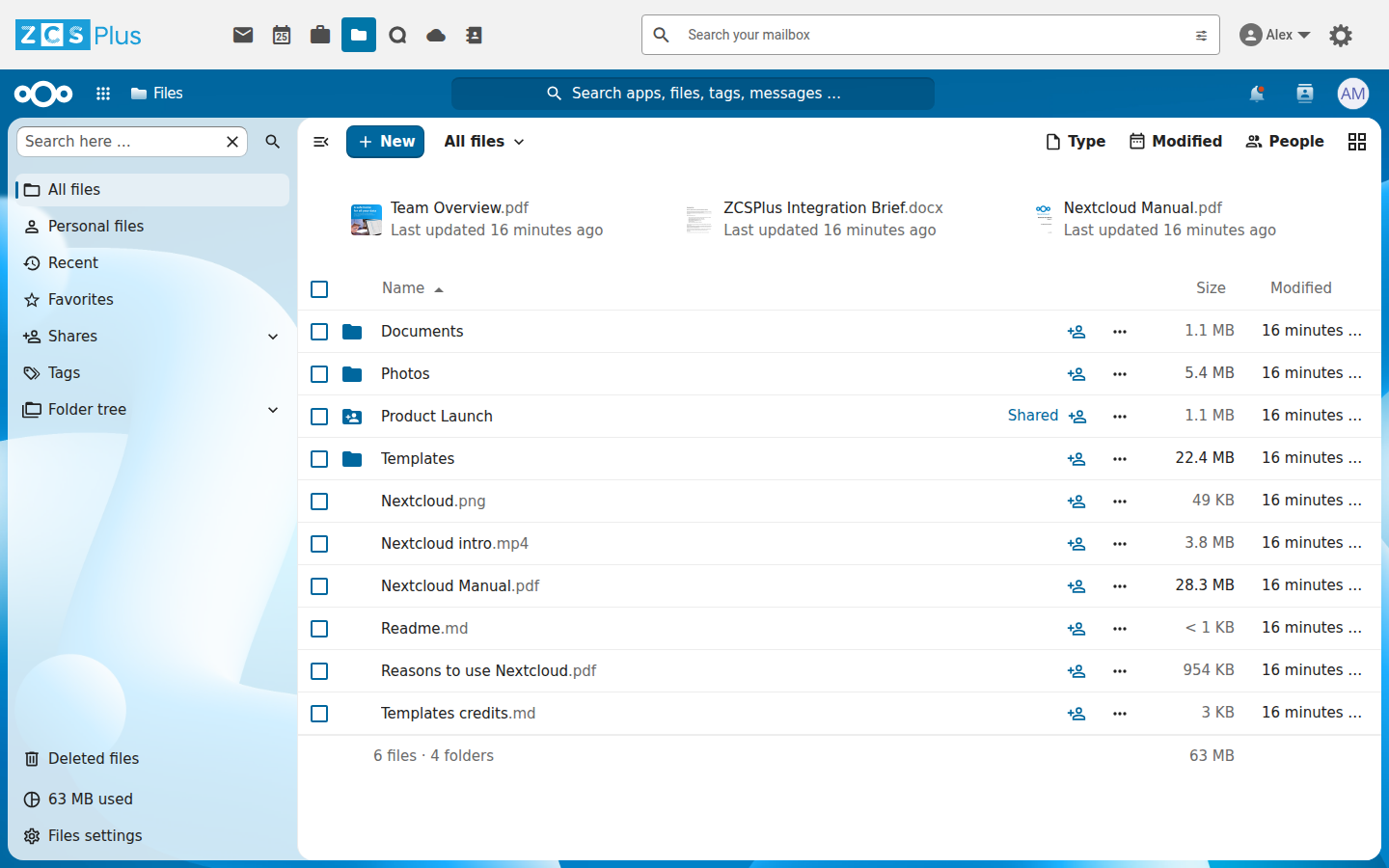
– Files, folders, sharing, previews, WebDAV and ONLYOFFICE inside Zimbra.
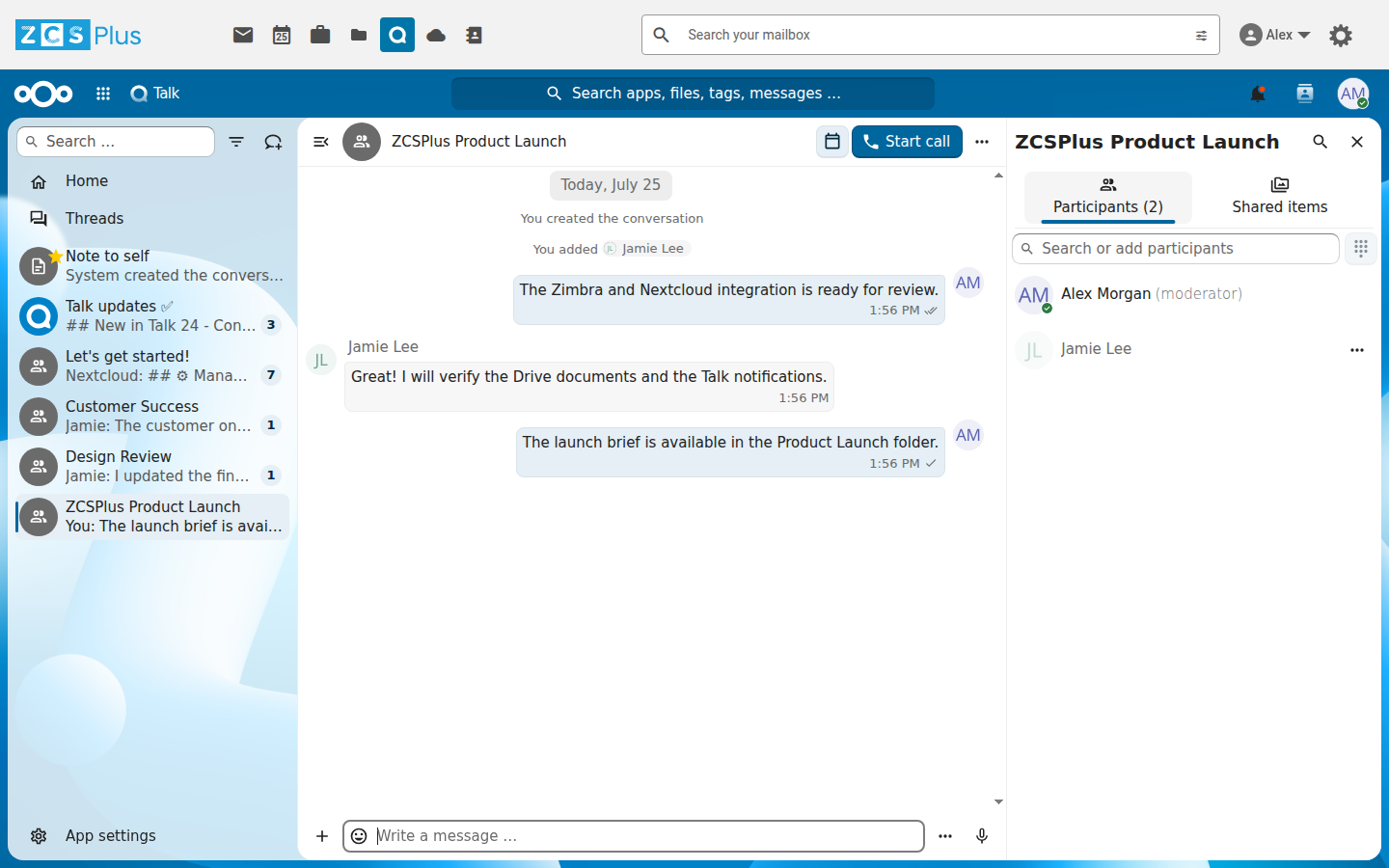
– Talk unread counter and actionable notifications outside Drive and Talk.
– Searchable quick Talk launcher with up to four movable conversation windows.
– Direct room hand-off from a quick window to the matching full Talk room.
– Optional Zimbra sound for new Talk messages, with cross-tab deduplication.
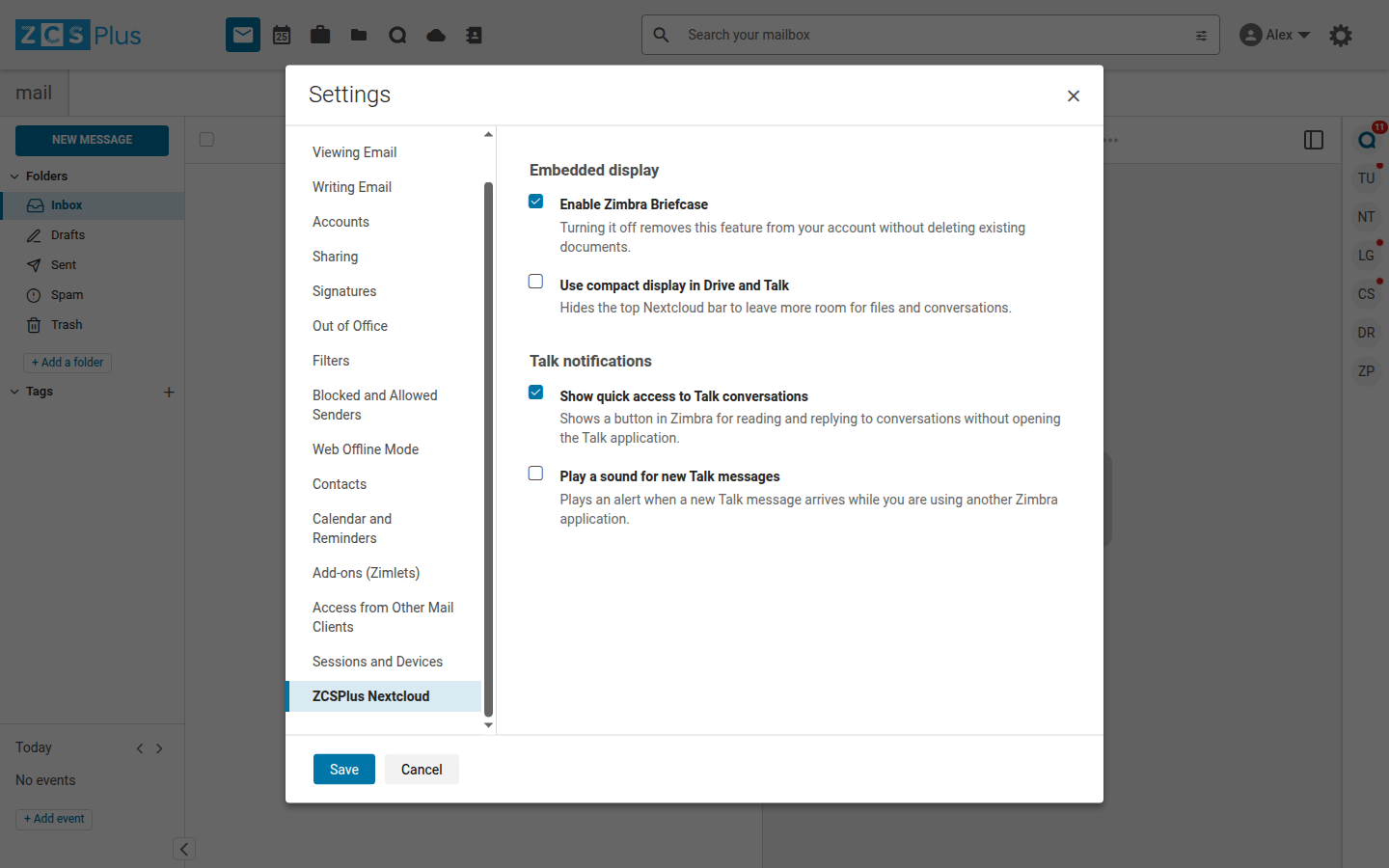
– User-controlled Briefcase, compact display, quick Talk and sound settings.
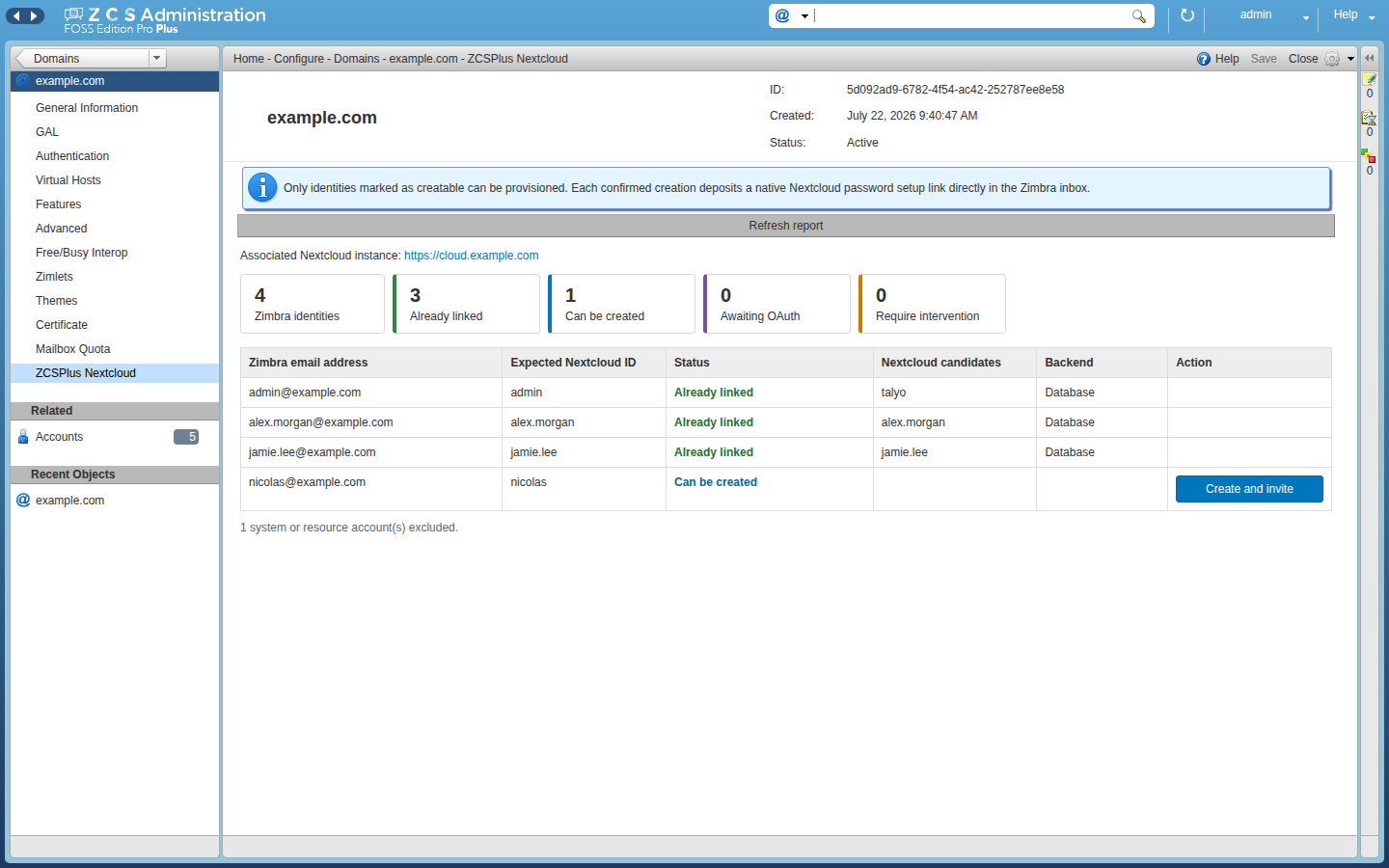
– Global-administrator identity reconciliation and guarded provisioning.
– Native Nextcloud password setup invitation deposited directly in the local
Zimbra mailbox, without SMTP.
English, French and German user interfaces.
– Per-domain and multi-Nextcloud routing derived from Zimbra OAuth settings.
– Automatic, atomic and idempotent Zimbra proxy integration.

Screenshots

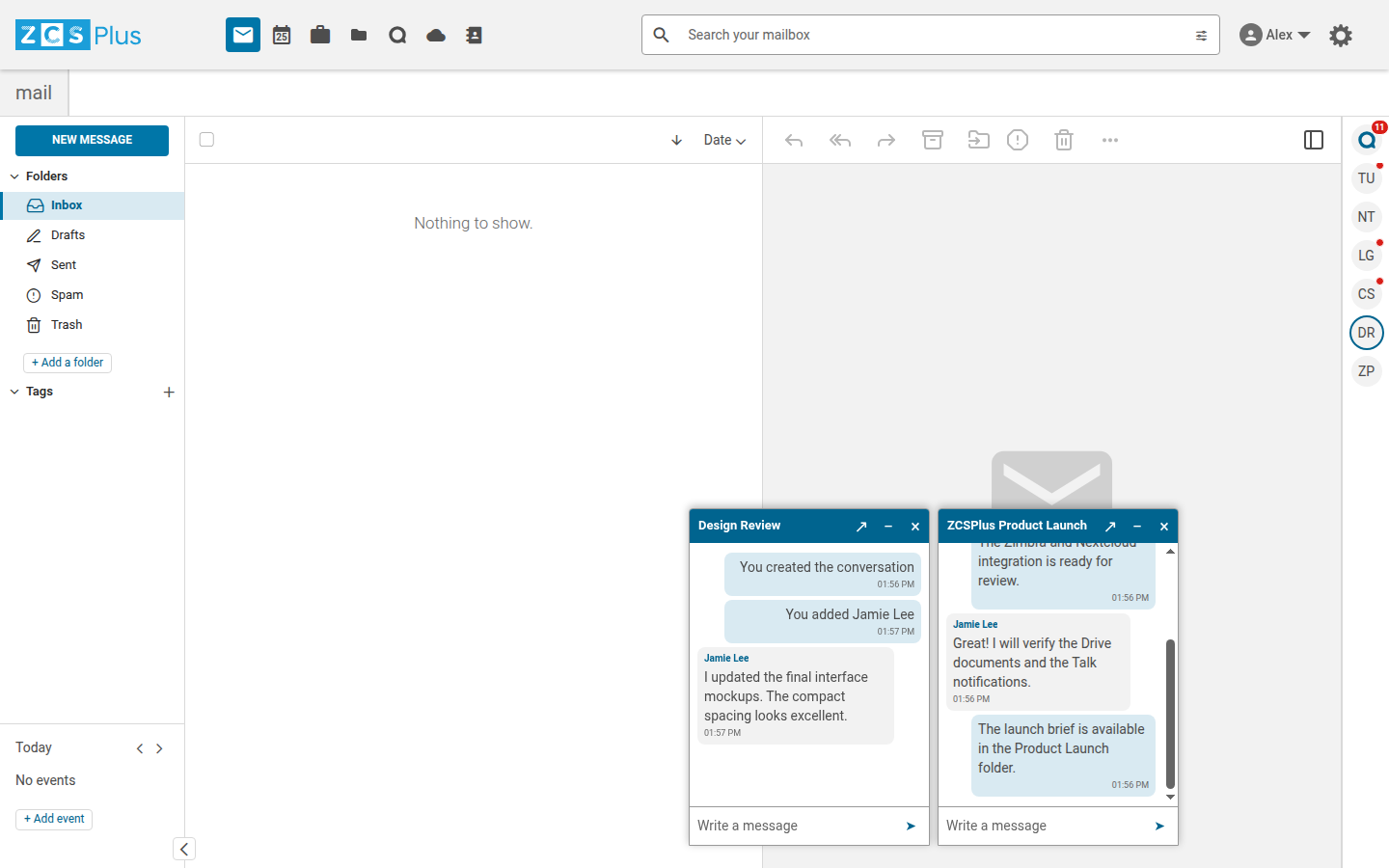
Talk in ZCSPlus Modern

Full Nextcloud Talk

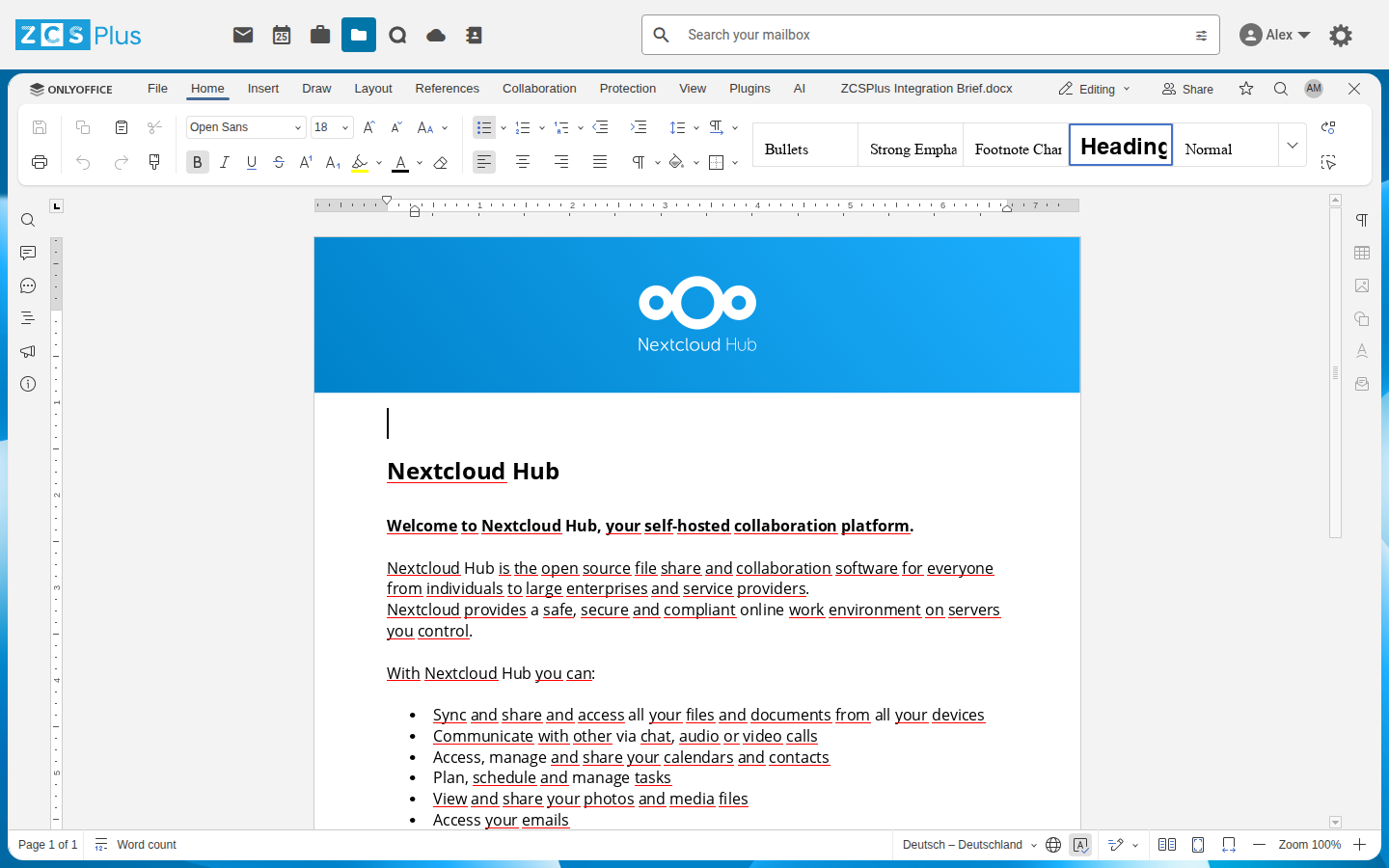
ONLYOFFICE with compact display

Zimbra Classic / Administration

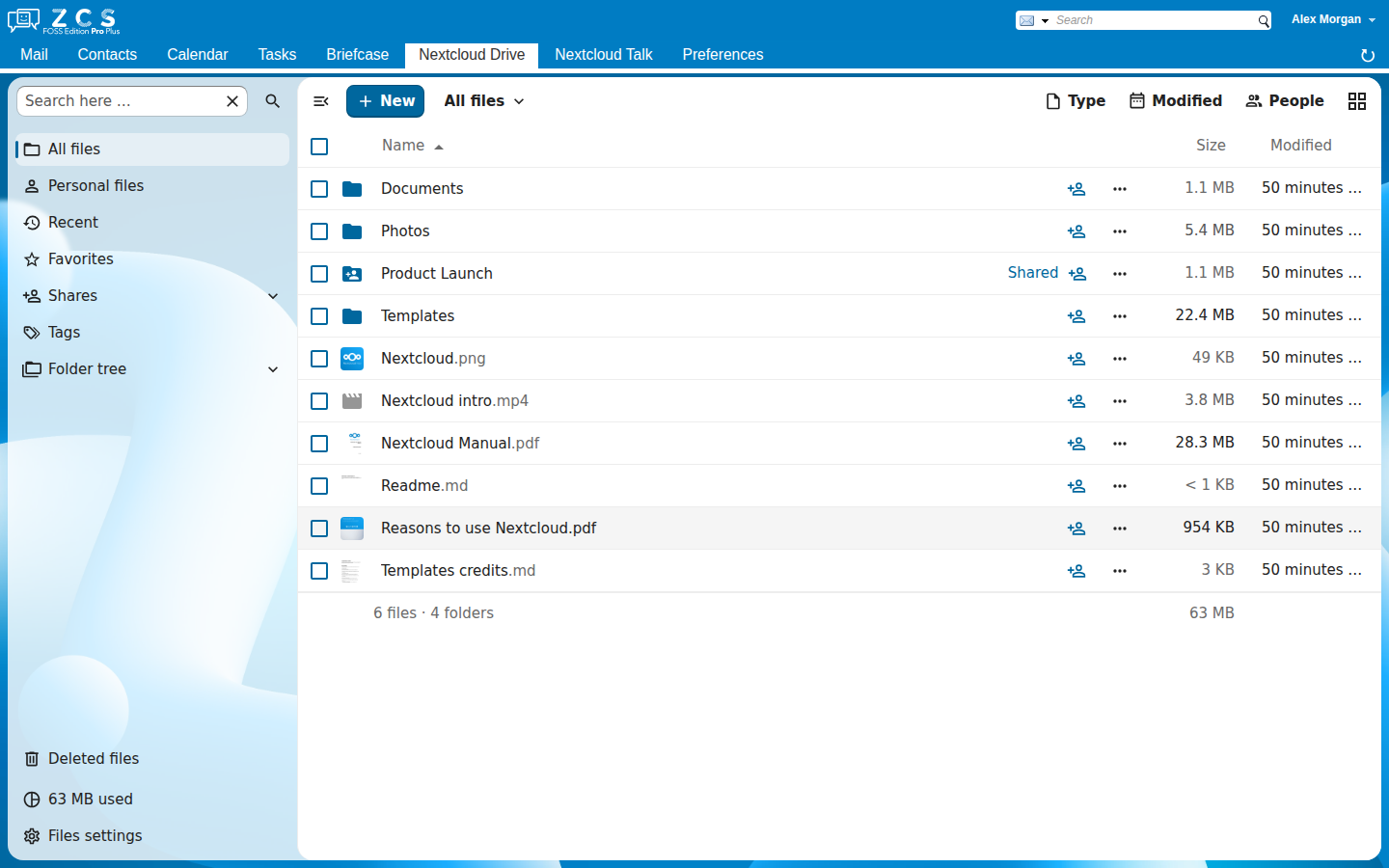
Drive in Zimbra Classic / Nextcloud identity report

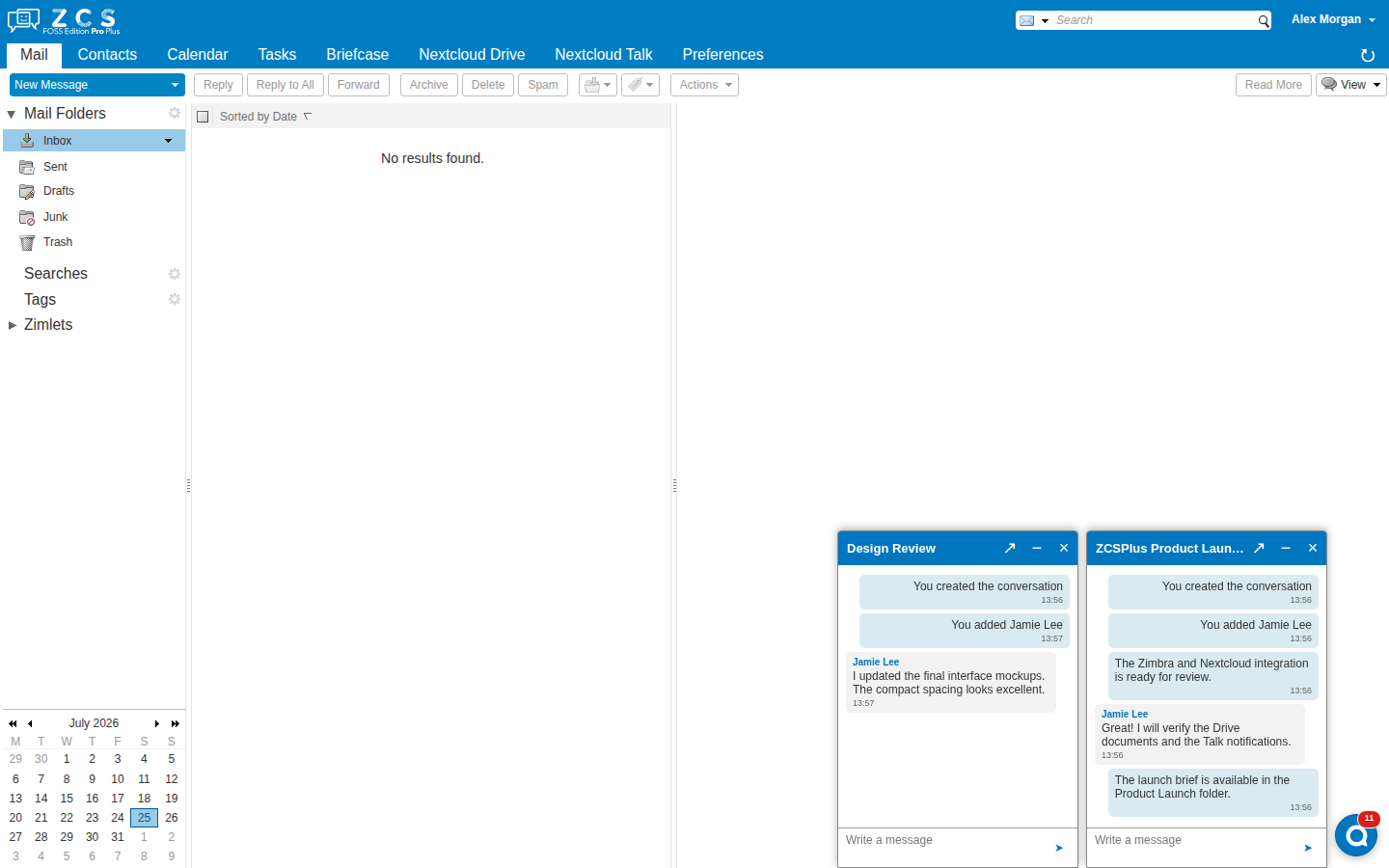
Quick Talk windows in Zimbra Classic

Movable quick Talk windows

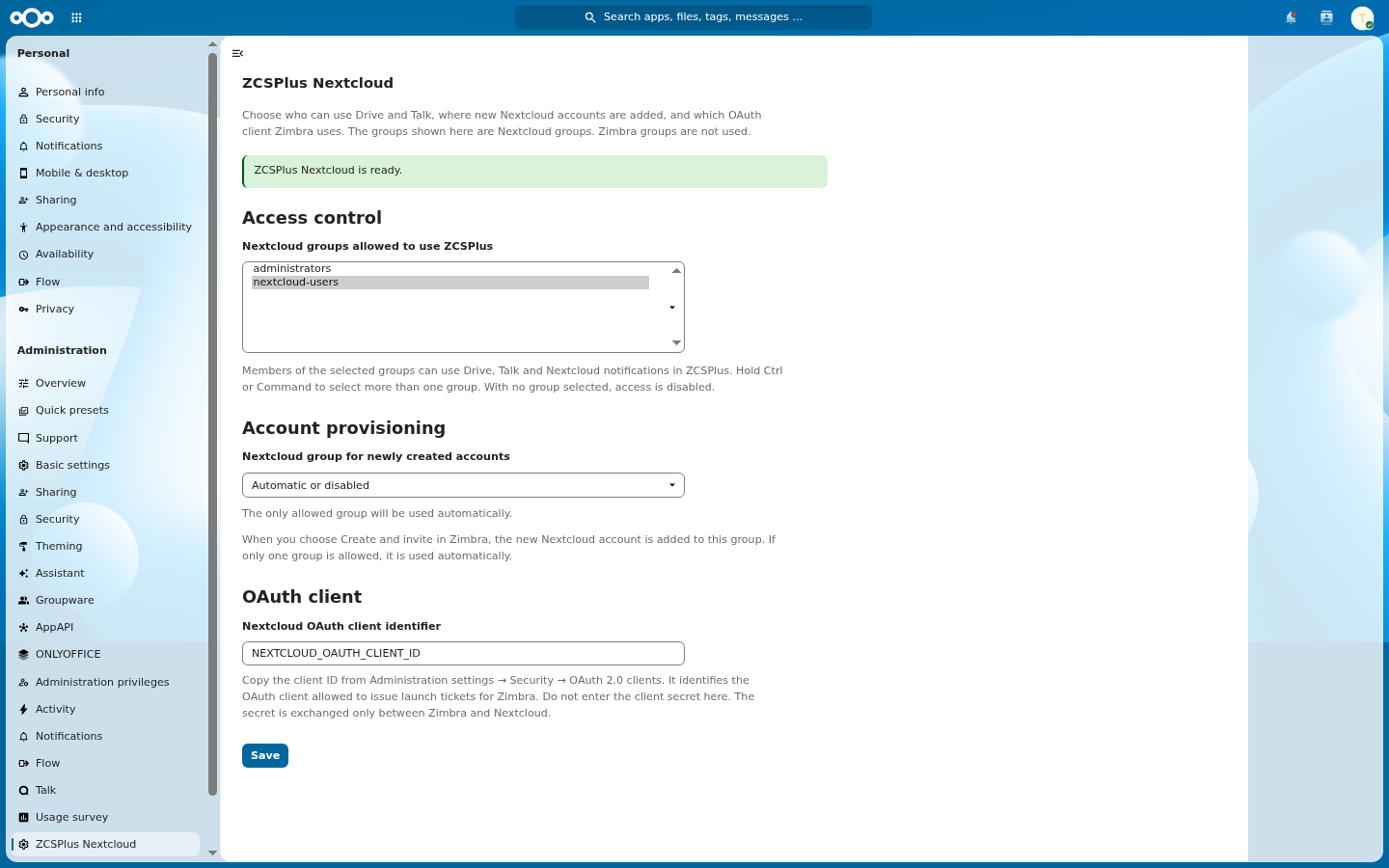
ZCSPlus Nextcloud

Administration settings

The official “com_zimbra_nextcloud” Zimlet remains the user-facing connection, and disconnection point, ZCSPlus Nextcloud only verifies that it is deployed, it does not call, patch, replace or bundle its code.

Pour ce faire, il suffit de taper la commande suivante à partir de votre outil logiciel Ubuntu:

apt install zcsplus-nextcloud
su - zimbra -c "zmprov fc all"
su - zimbra -c "zmmailboxdctl restart

Configure the Zimbra domain OAuth values
Run as the Zimbra operating-system user, substituting the real values: https://zimbra.github.io/documentation/zimbra-10/adminguide.html#_setting_up_nextcloud

### Install and configure the Nextcloud application

Extract "zcsplus_nextcloud.tar.gz" into one of the configured Nextcloud app
directories, keep the directory name "zcsplus_nextcloud", apply the ownership
required by the local web server, then run from the Nextcloud root
:

sudo -u www-data php occ app:enable zcsplus_nextcloud